Website configurator · PRO
Your catalogue on your website, as five plain questions.
Put a configurator on your own site. A visitor who has never heard of pixel pitch answers five questions, sees the wall drawn in your cabinets, and sends a request that arrives on your desk already priced.
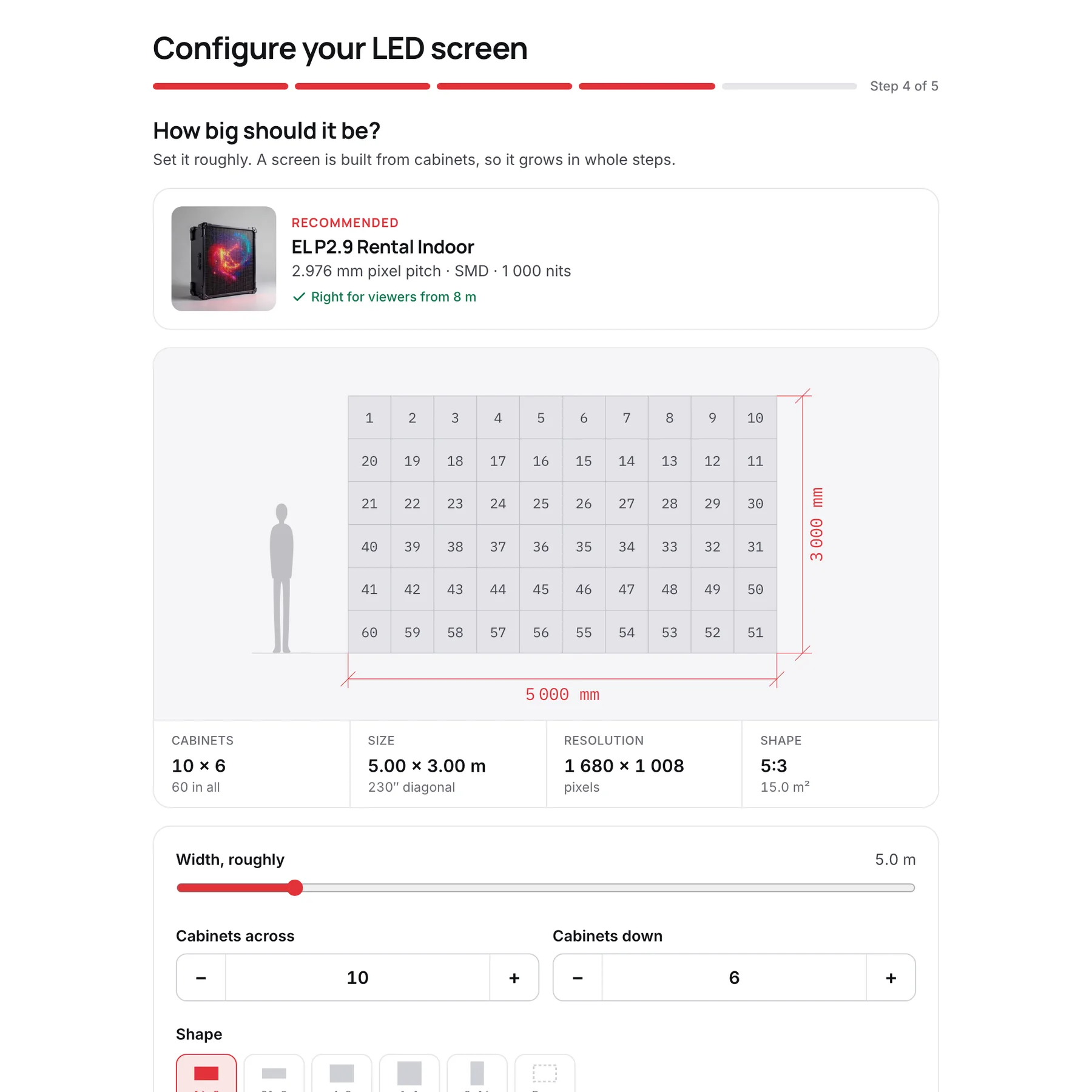
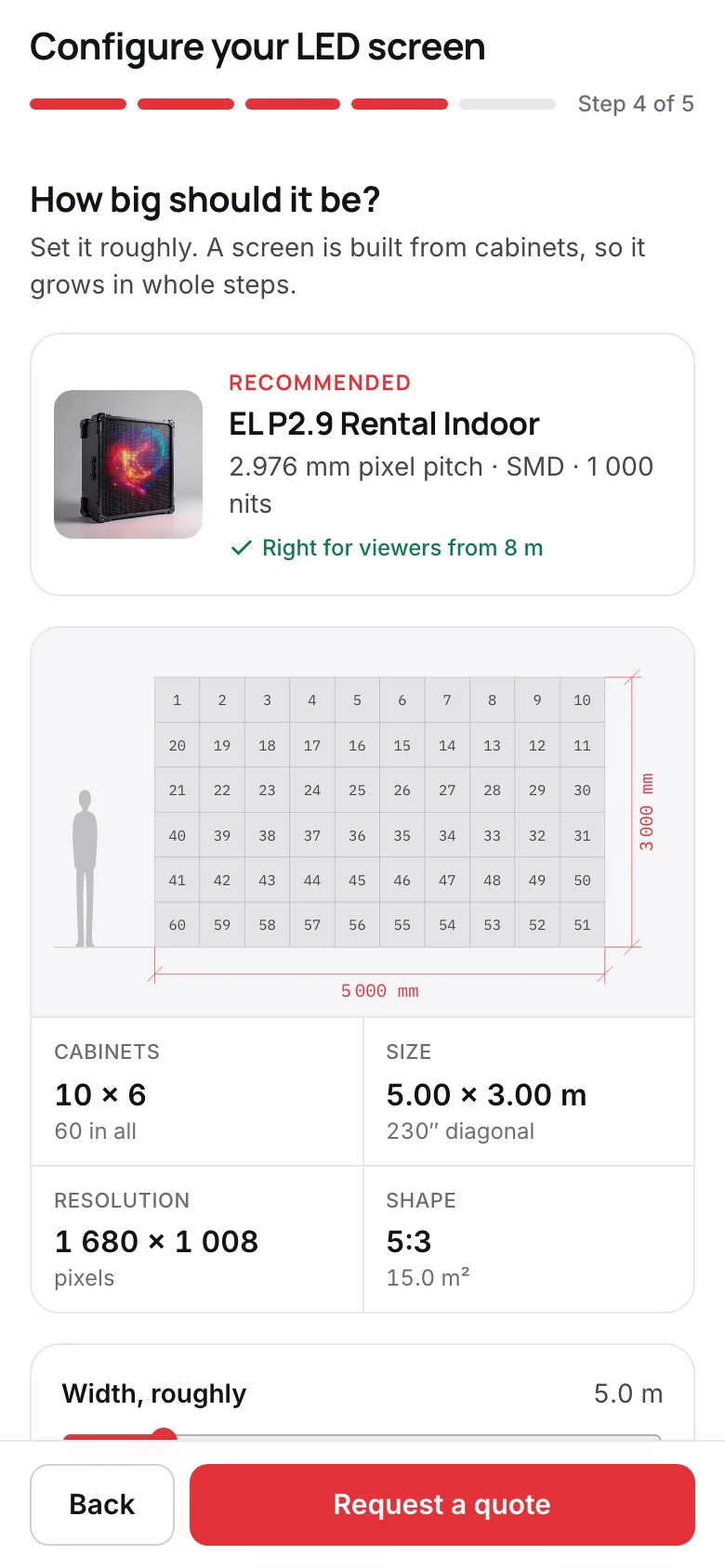
Screens from the app, filled with its example range and deals.
01
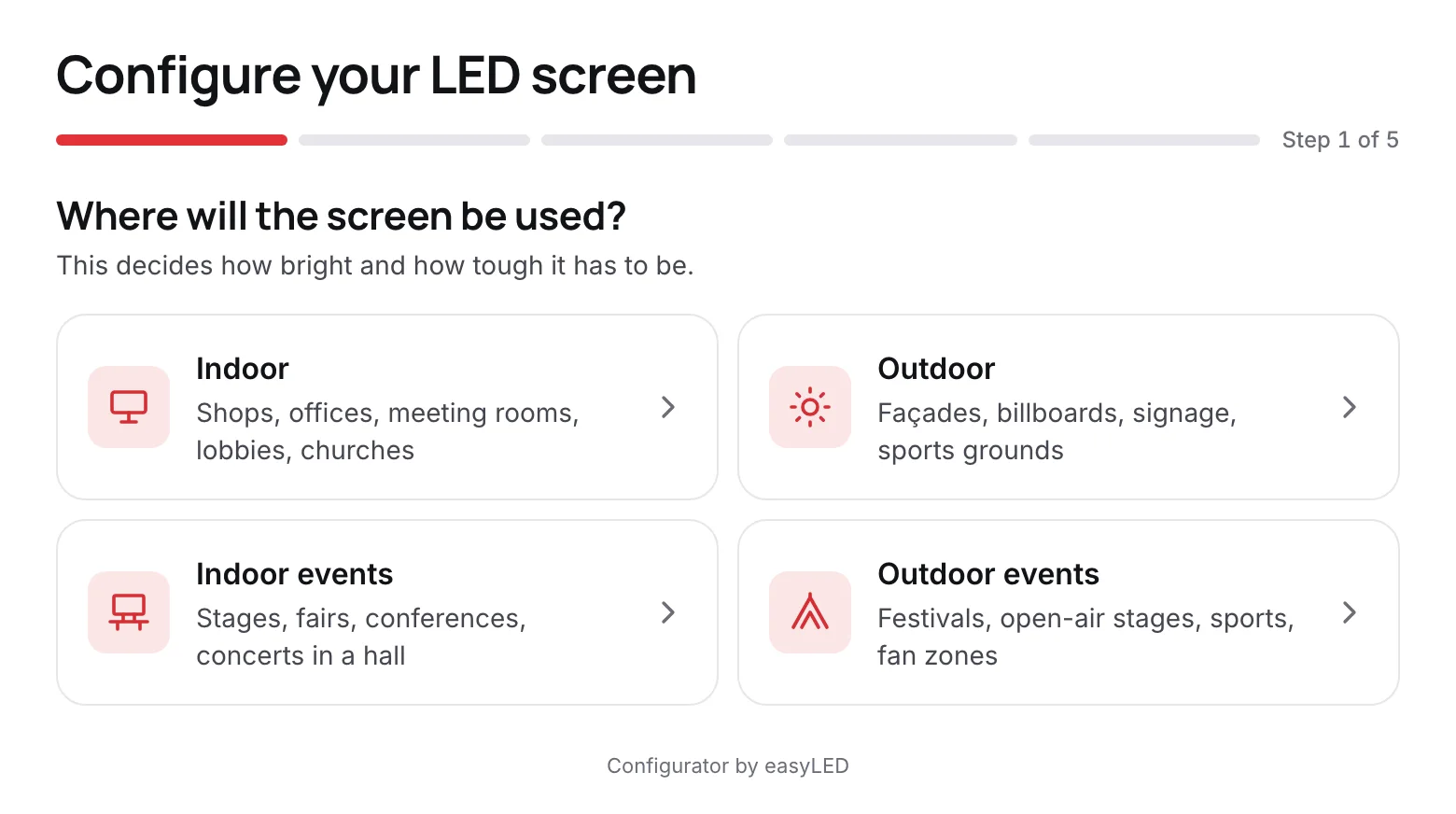
Questions a buyer can answer
Where the screen goes, what it mostly shows, how close the nearest people stand, and how big it should be. easyLED turns the answers into a pixel pitch and recommends the coarsest of your products that is sharp enough, because that is the least money for what anybody standing there can see.
- Indoor, outdoor, indoor events or outdoor events
- Video, a mix, or text and data
- Size by width, by cabinets, by shape, or Full HD and 4K
- Sharper products offered beside the recommendation
02
The request arrives priced
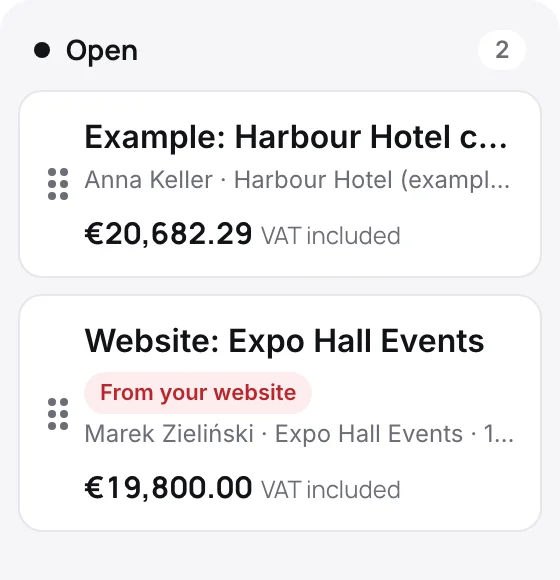
The visitor leaves a name and an email address, and event dates when it is for an event. The request becomes an open deal on your desk: a client, a project and a quote priced at your list price with your default control system and warranty. You get an email, and replying to it answers the visitor.
- Event dates and location kept with the deal
- Priced from your catalogue, ready to adjust and send
- Marked From your website on the desk
03
One line of code on your site
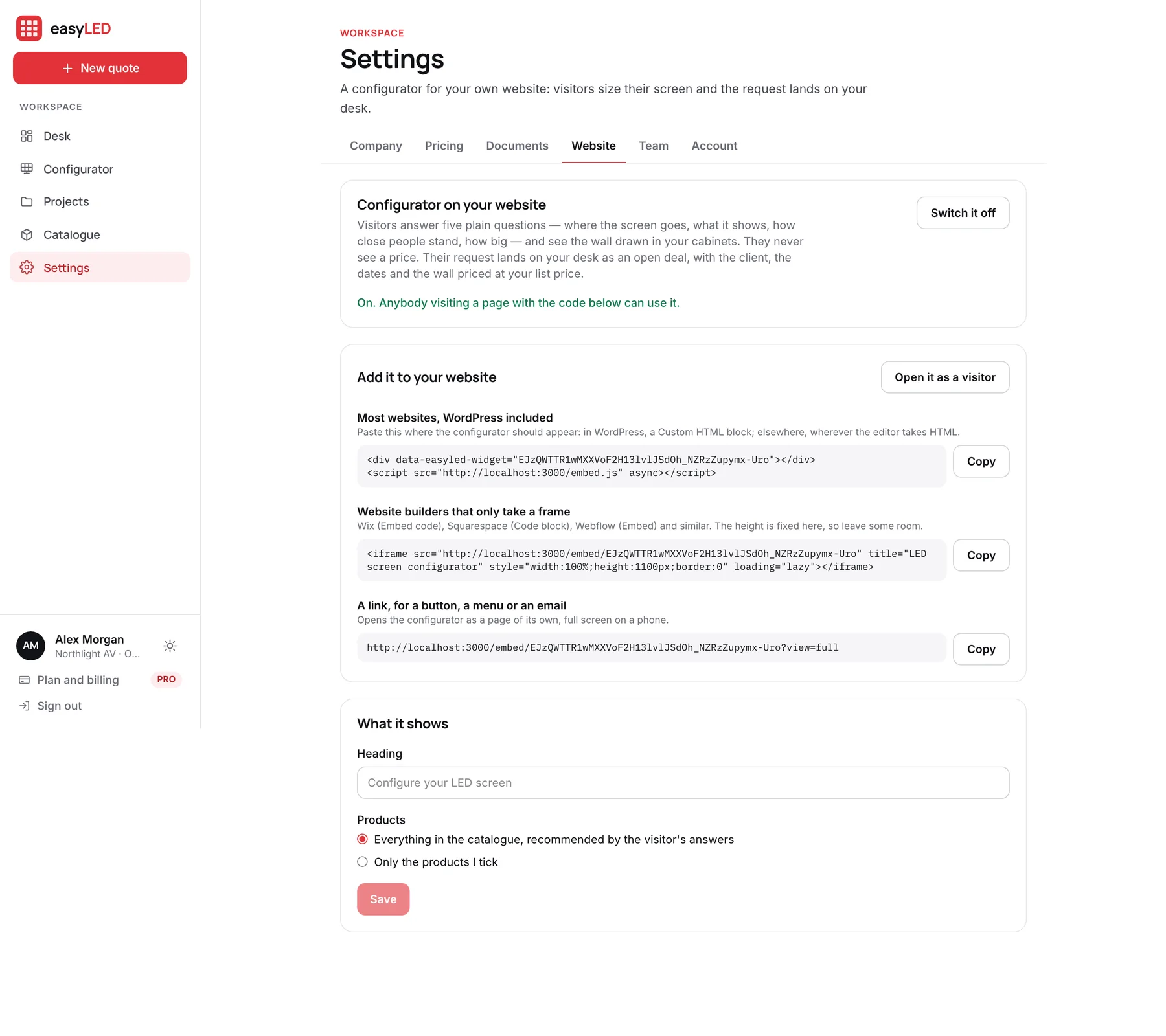
Switch it on in Settings and copy one script tag into your page. A site builder that strips scripts takes the frame instead, and a button can link to it directly. On a phone it opens full screen with the buttons under the thumb, and it wears your accent colour.
- Works in WordPress, site builders and plain HTML
- Full screen on phones; the back gesture closes it
- Choose which products it offers, and its heading
- Never shows a price: your competitors read your website too
In detail
Everything the website configurator does
Recommends a pitch from the distance
About one millimetre of pitch per metre of viewing distance for video, finer for text, then the coarsest product of yours that meets it.
Relaxes before it gives up
If you hold no indoor rental cabinet, it offers the outdoor one rather than nothing. When nothing is sharp enough it shows the finest and says so.
Draws in your cabinets
The wall is tiled from the real cabinet with the same drawing the app uses, with its size, resolution and shape.
Keeps prices private
No figure of money leaves the server. The visitor sees products and sizes; the price is on your desk.
Guards against junk
A hidden trap field, a consent box, every field checked, and a limit on how fast one address can send.
Part of PRO
The website configurator is included in PRO. Switching it off hides it on your site at once; the address stays the same when you switch it back on.
Questions
Asked about this feature
Questions
Will visitors see my prices?
No. The configurator shows products and sizes only. The price is worked out on your desk, at your list price, for you to adjust before you send it.
Do I need a developer to add it?
No. Copy one line into your page, or use the frame or the link if your site builder does not accept scripts.
Which plan includes it?
PRO. Every PRO account can switch it on in Settings, under Website.
The other features
The rest of the app
Configurator
Size a wall by cabinets, by width or by the resolution the customer asked for. It is drawn to scale, priced from your catalogue and specified as you change it.
Catalogue
Import the factory list or type a product in. A model keeps every format it ships in, each with its own size, weight, power and price, and prints its own technical sheet.
Quotations
The offer carries your letterhead, the wall drawn to scale, the figures, the price and your terms, with the technical sheet attached. Send it as a link and see when it is opened.
Deal desk
Draft, open, sent and won deals on one board, every wall filed under its client, and a team that quotes from one catalogue with the limits you set.
Try it on a wall you are quoting this week.
A new account opens with nine example products and four example deals, so every screen on this page is there to try before you load your own range.